Contents ~ Posts ~ Free Images ~ GIMP 2.8 Shortcuts ~ Studio Dalio Gallery
Showing posts with label photo sharpening. Show all posts

11 October 2013

Question from the Audience – Sharpening a Selection

A Learning Experience


A reader asked me if it were possible to use the grain extract / grain merge sharpening technique on a selection. Taking the question literally and having never tried that before, I immediately opened GIMP and started experimenting. Let's go through the process of sharpening only the face of this African gray parrot and see what we learn.
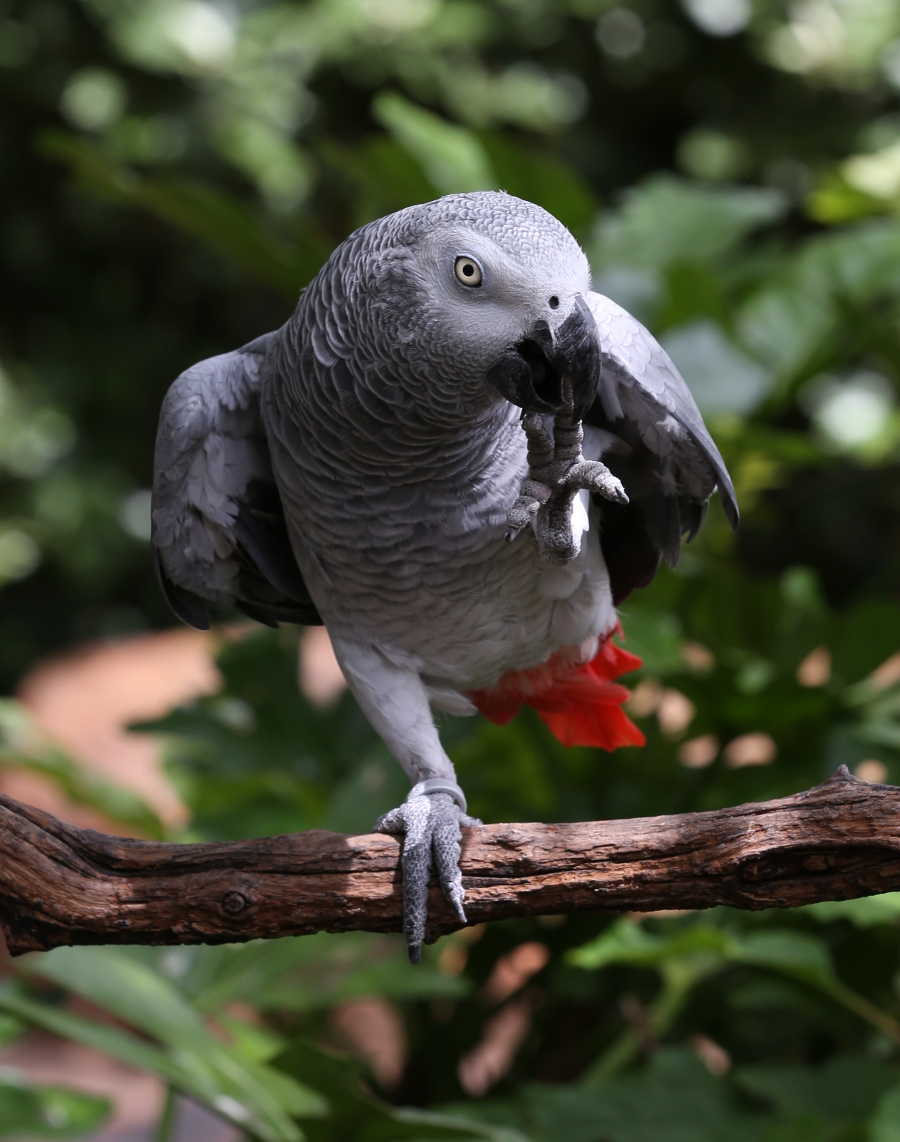
African gray parrot
African gray parrot

21 May 2013

A Non-Destructive Adjustable Way to Sharpen a Photo

Honing Your Photo-Sharpening Skills


A while back I read an article on gimpedtutorials.com called How to Make Images Super Sharp in Gimp 2.8. It's a shame this tutorial no longer exists because it contained some really useful techniques. Fortunately, I saved a list of the steps and have been using one of the methods fairly often to sharpen my photos. The nice thing about this method is that it involves using new layers and layer modes and doesn't make any changes to the original image. It's also easy to adjust the sharpness by simply sliding the layer opacity up and down until I like what I see.

I'll use this photo of fuzzy little prairie dogs to illustrate the steps for sharpening an image.

Prairie Dogs - Original Photo
Psst! Hey! Look at that!